1) From the main menu on your Android TV or Fire TV, go to the ‘Search’ section and click on the ‘Search’ tile to proceed.
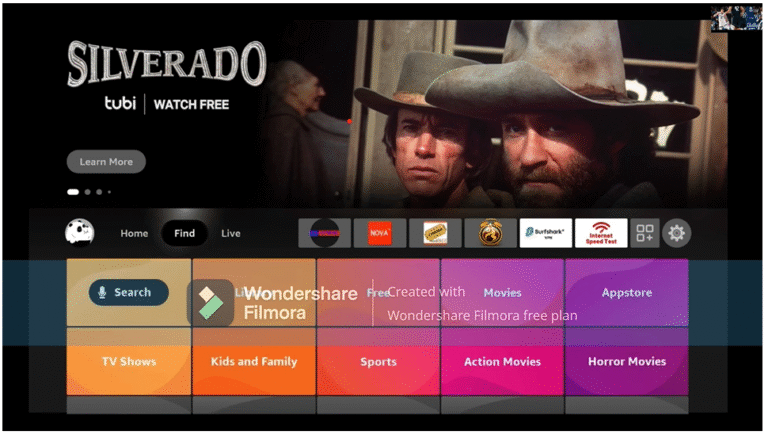
2) Type in the initial letters of ‘Downloader’ in the search bar, then use the arrow keys and the Enter button on your remote to select the matching result.
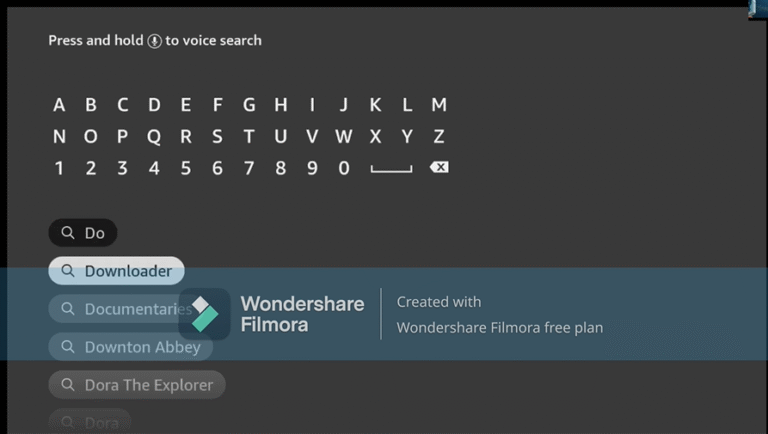
3) Open the entry for the Fire TV Downloader app.
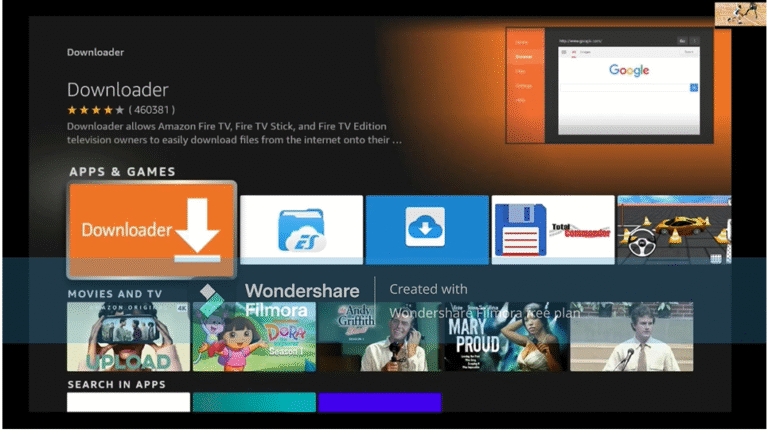
4) Press Enter on your remote control to start the installation
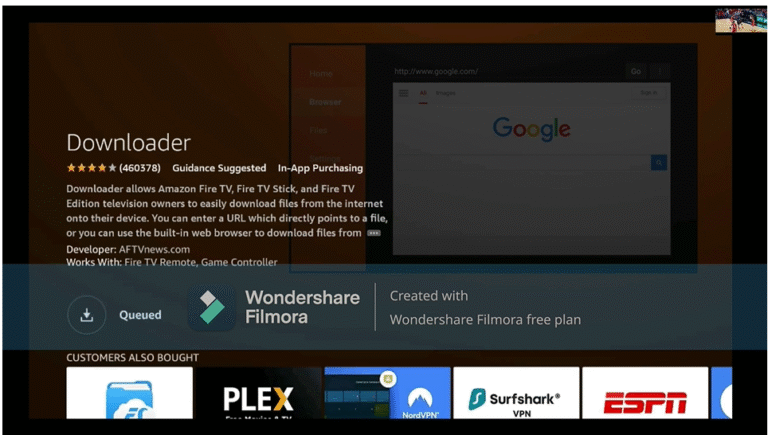
5) App is downloading. Open the app after installation.
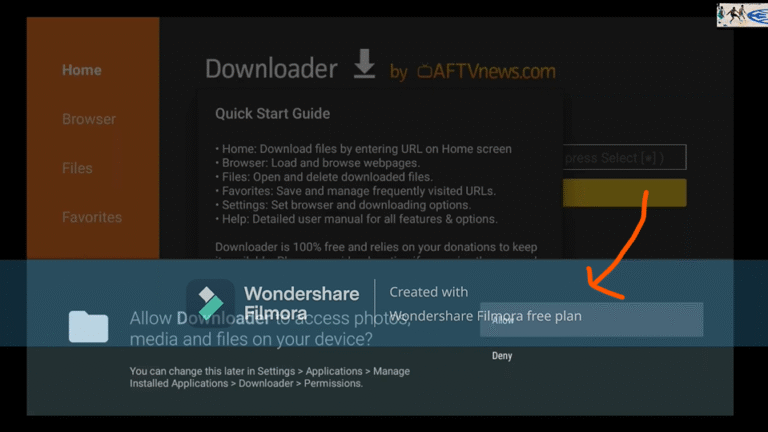
6) When you start the app for the first time, you must grant the downloader access to your file system. Select the option “Allow”.
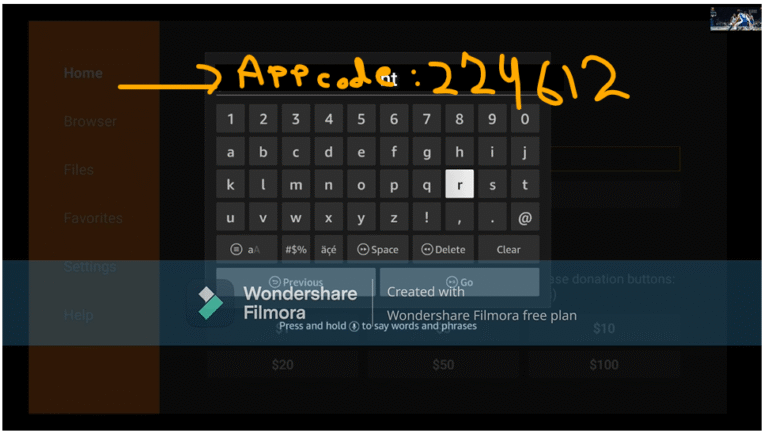
7) On the Downloader homepage, you’ll see a field in the center of the screen where you can enter a number. This number will be provided to you after purchase or when using a test account. Simply input the number and press ‘Go’ to continue
8) The app will begin downloading now. Once it’s installed, open it and enter your login credentials (username and password) – and you’re all set