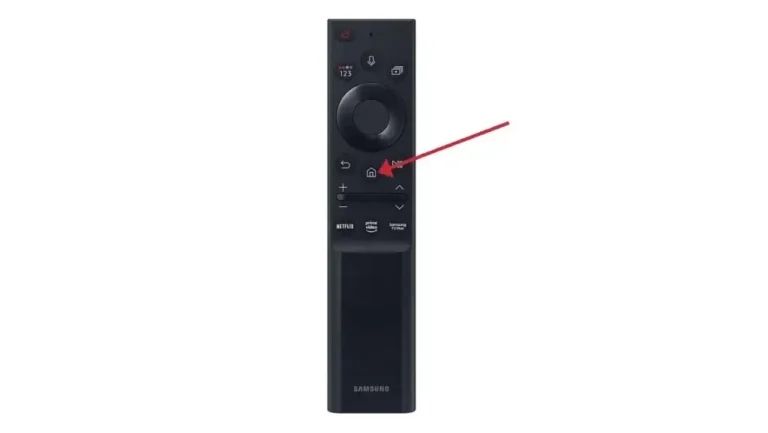
1)Press the ‘Home’ button on your remote, which is typically represented by a house icon or a 3D cube
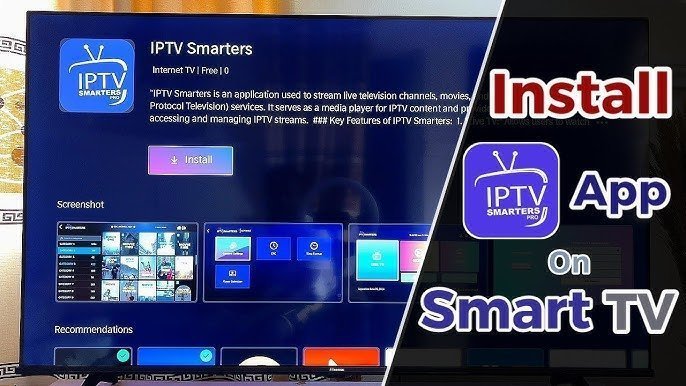
2) Navigate to the ‘Apps’ section and search for IPTV Smarters Pro. Once you find the app, select it and proceed with the installation.
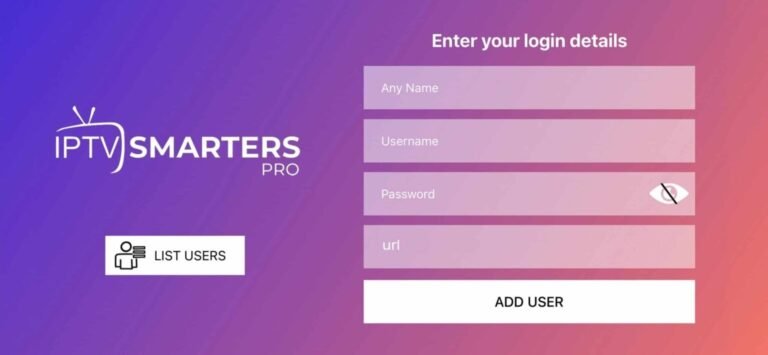
3) After the installation is finished, launch the IPTV Smarters Pro app by selecting ‘Open,’ then enter your login credentials to get started.